
Welcome: personal and Scripture choices
3 minChoose the optional details and Scripture presence that suit you, and postpone Assistant setup if you prefer.
Watch the steps
Connecting playback controls…
Read the on-screen captions
- Birthday is optional.
- Choose a response or Prefer not to say.
- Share only the details you want.
- Relationship details are optional.
- Choose your Scripture familiarity.
- Light shows Scripture less often.
- Your faith response is optional.
- Choose Maybe later for Assistant.
Step by step
Choose what to share
Birthday and personal questions are optional. Continue without a birthday or choose Prefer not to say where offered.
Review relationship and Scripture questions
Choose your own responses, or use Prefer not to say when available. The example keeps these details private.
Choose Scripture presence
Review Full, Light, and Soon. The example chooses Light for a sparser Scripture presence. This preference concerns where verses appear; it is not the light/dark appearance setting.
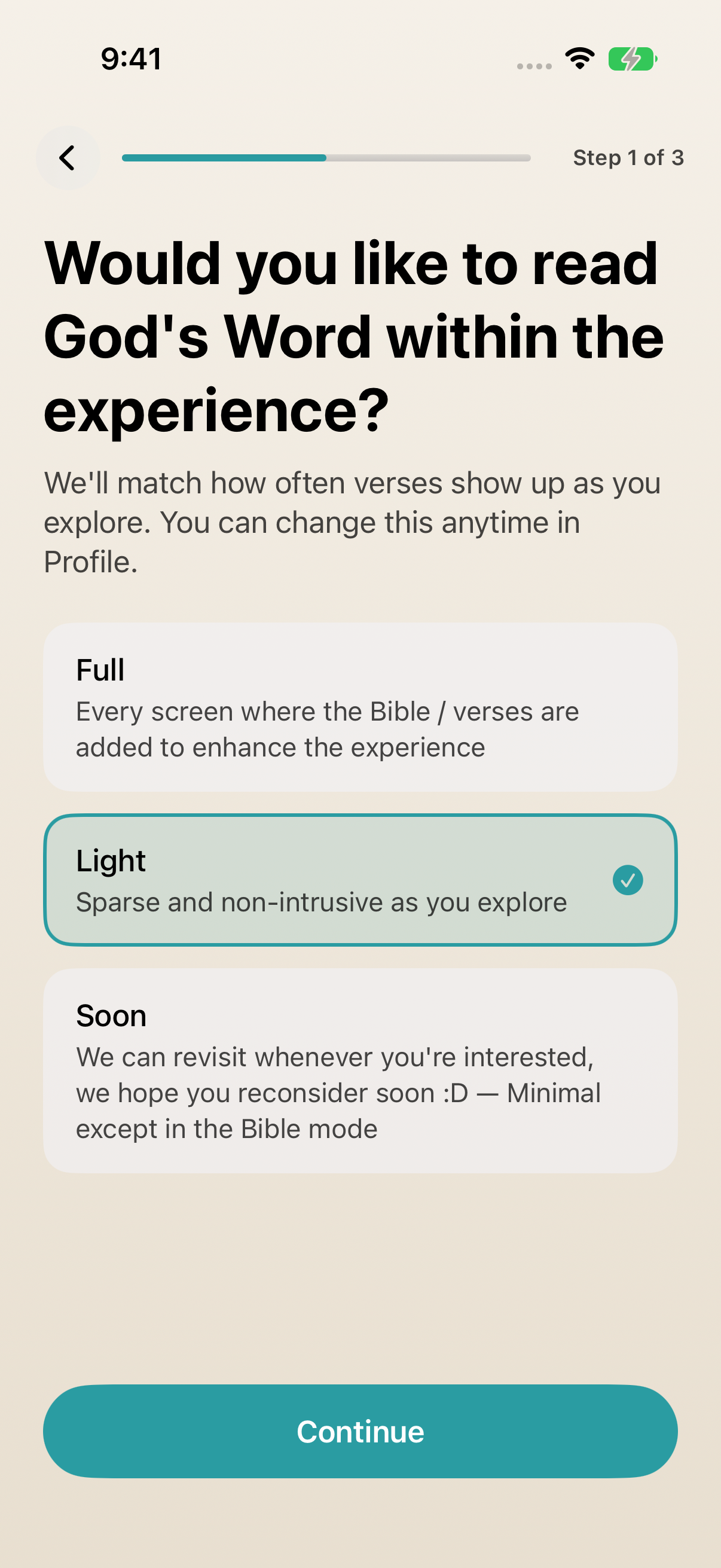
Light means a sparser Scripture presence, not a change to the app’s color appearance. Decide about Assistant
Answer the faith question only as you wish. Choose Maybe later on the Assistant screen to continue without setting it up now.
Keep exploring
If something looks different
Checked against MyPraise App 1.1.0 · 2026-09-20
Before you begin
- For MyPraise App 1.1.0. Apple has approved this version; availability depends on the owner’s manual App Store release.
- Continue after Welcome: profile and optional details. This is a replay in an isolated sample library using the plain warm light capture preset.
- Video and screenshots retain their original capture dates and build provenance; most existing walkthroughs were recorded with 1.1.0 (34). They are not new build 53 recordings.
The screen looks different.
Guide screens may come from different versions of MyPraise App. Always download the latest MyPraise App from the App Store.
If a control is still missing, open Settings → Support for help.
Does Light turn on the light color theme?
No. This Light choice controls Scripture presence. The appearance choice comes later in the welcome flow.