
Add a person and mark a favorite
3 minCreate a contact with a photo in MyPraise App and keep a favorite person easy to find.
Watch the steps
Connecting playback controls…
Read the on-screen captions
- Search for the person you want to add.
- Choose Create Sarah N.
- Add a photo and select her portrait.
- Check the photo and name.
- Keep the contact only in MyPraise App.
- Tap Create to save the contact.
- Tap Done to link her to this draft.
- Open More options, then Contacts.
- Open Sarah N.
- Choose Add to Favorites.
- The heart badge confirms she is a favorite.
Step by step
Open Add people
In a memory’s people and details step, choose Add another contact. Search for the person’s name. If no match appears, choose Create followed by the name. The example uses Sarah N.
Choose a photo
In New Contact, check the name. Choose Add Photo and select a portrait from Photos. Phone and email are optional; this example leaves them blank.
Save only in MyPraise App
Turn on Keep only in MyPraise App. Check its explanation says the person is not added to iPhone Contacts. Choose Create, then Done to attach the person to the current draft. Finish saving the memory separately when ready.
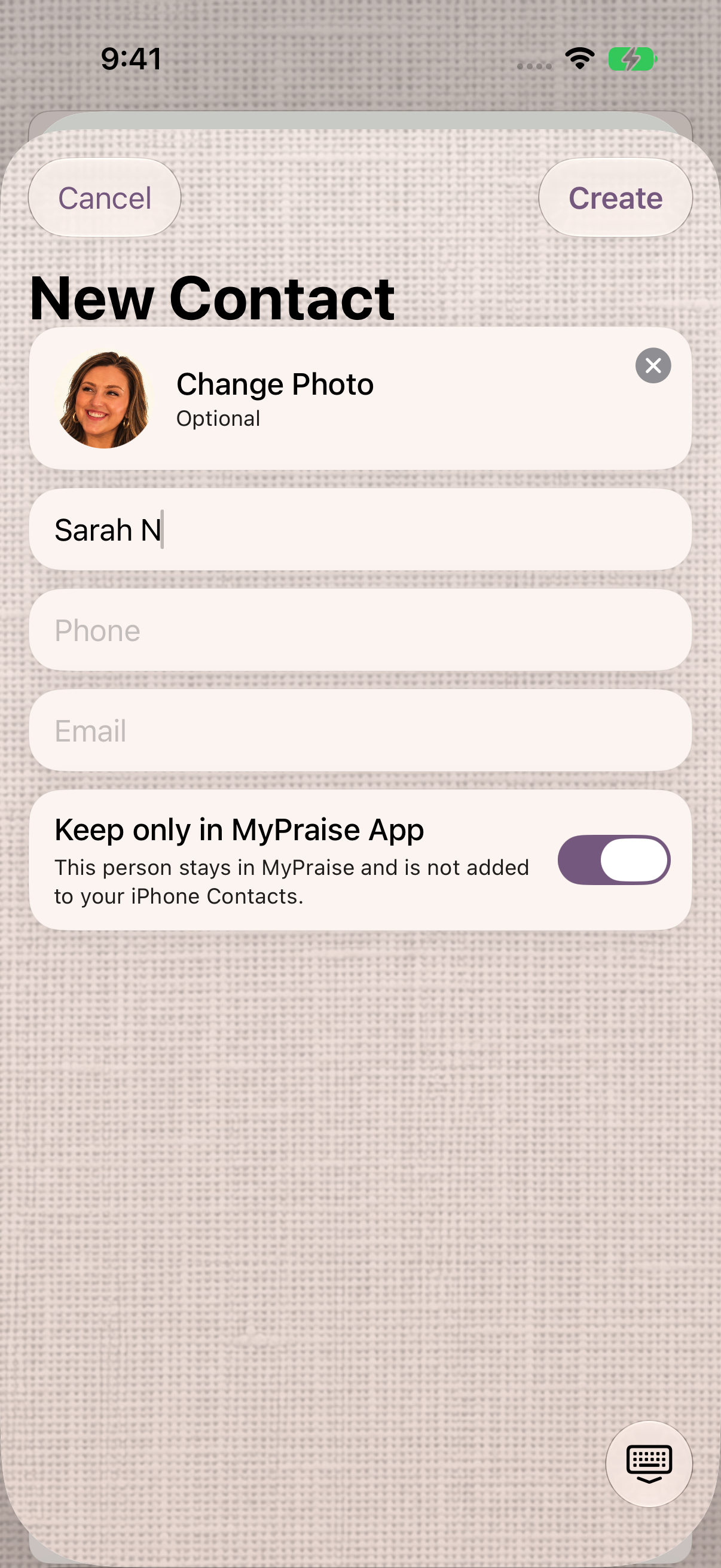
Check the name, portrait, and MyPraise App-only storage before creating the contact. Mark a favorite
From Home, open More options → Contacts, then open the person. Choose Add to Favorites. The heart badge and Remove from Favorites action confirm the change.
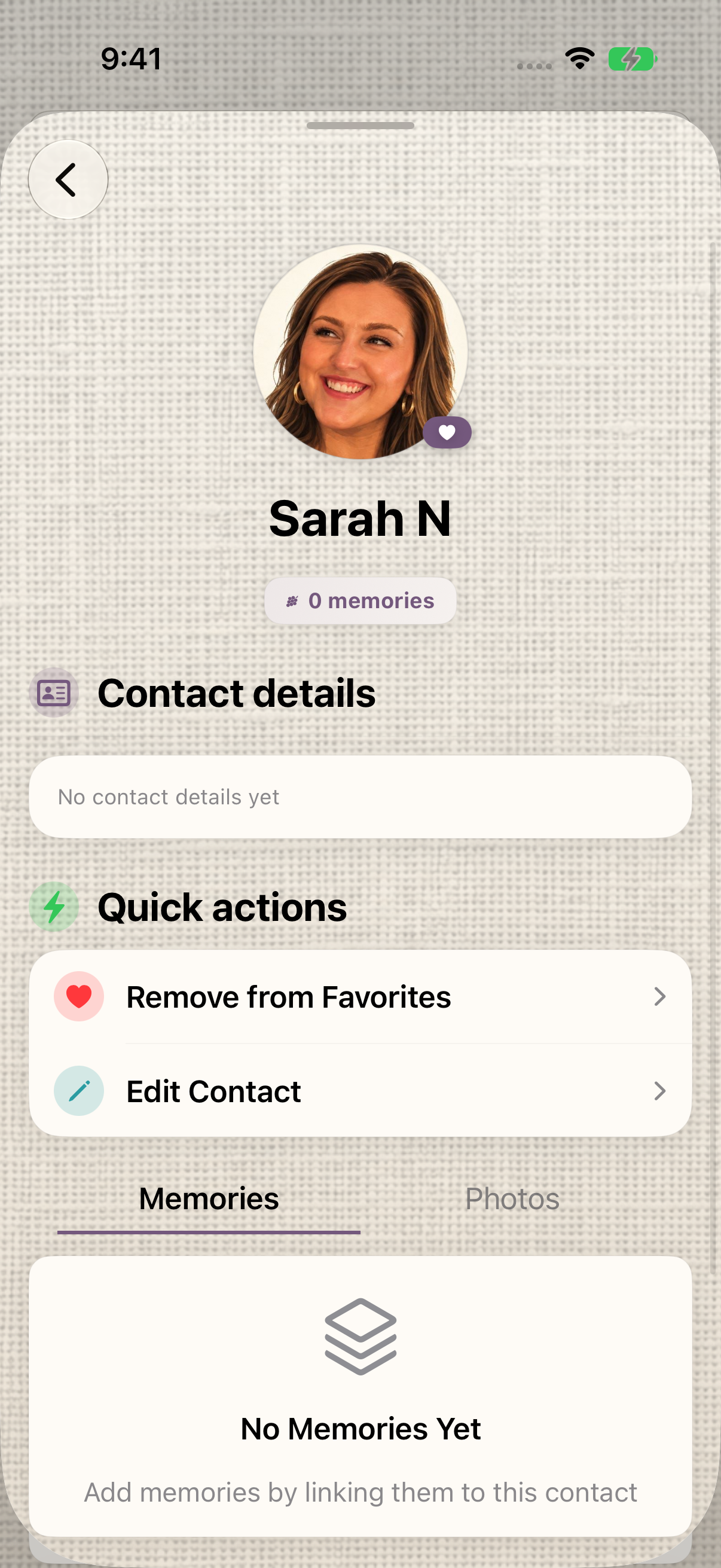
The heart badge confirms Sarah is a favorite.
Keep exploring
If something looks different
Checked against MyPraise App 1.1.0 · 2026-09-20
Before you begin
- For MyPraise App 1.1.0. Apple has approved this version; availability depends on the owner’s manual App Store release.
- A memory draft at its people and details step.
- An optional portrait available in Photos.
- Video and screenshots retain their original capture dates and build provenance; most existing walkthroughs were recorded with 1.1.0 (34). They are not new build 53 recordings.
The screen looks different.
Guide screens may come from different versions of MyPraise App. Always download the latest MyPraise App from the App Store.
If a control is still missing, open Settings → Support for help.