
Look back and save a Reflection Report
3 minReview your week, keep a memory, and save a Reflection Report.
Watch the steps
Connecting playback controls…
Read the on-screen captions
- Choose This week and Grateful. Begin.
- Read the Scripture, then Continue.
- Review your week’s counts.
- Keep a memory, then Continue.
- Remember the people in your week.
- Review the keepsake, then Continue.
- Choose See your reflection.
- Review the report and kept memories.
- Finish. Your reflection is saved as a memory.
Step by step
Choose the week and tone
From Home, open Reflection. Choose This week and Grateful, then Begin. These are the choices demonstrated here; other periods and tones are not covered.
Read and review
Read the opening Scripture and choose Continue. Review the week’s counts, then Continue to the memory deck. Choose Keep on a memory you want to highlight, then Continue.
Remember people and review the keepsake
Review the people screen; Sarah N appears in this sample. Choose Continue. Review the own-words and keepsake screen, scroll down and Continue. This example leaves the personal writing unchanged.
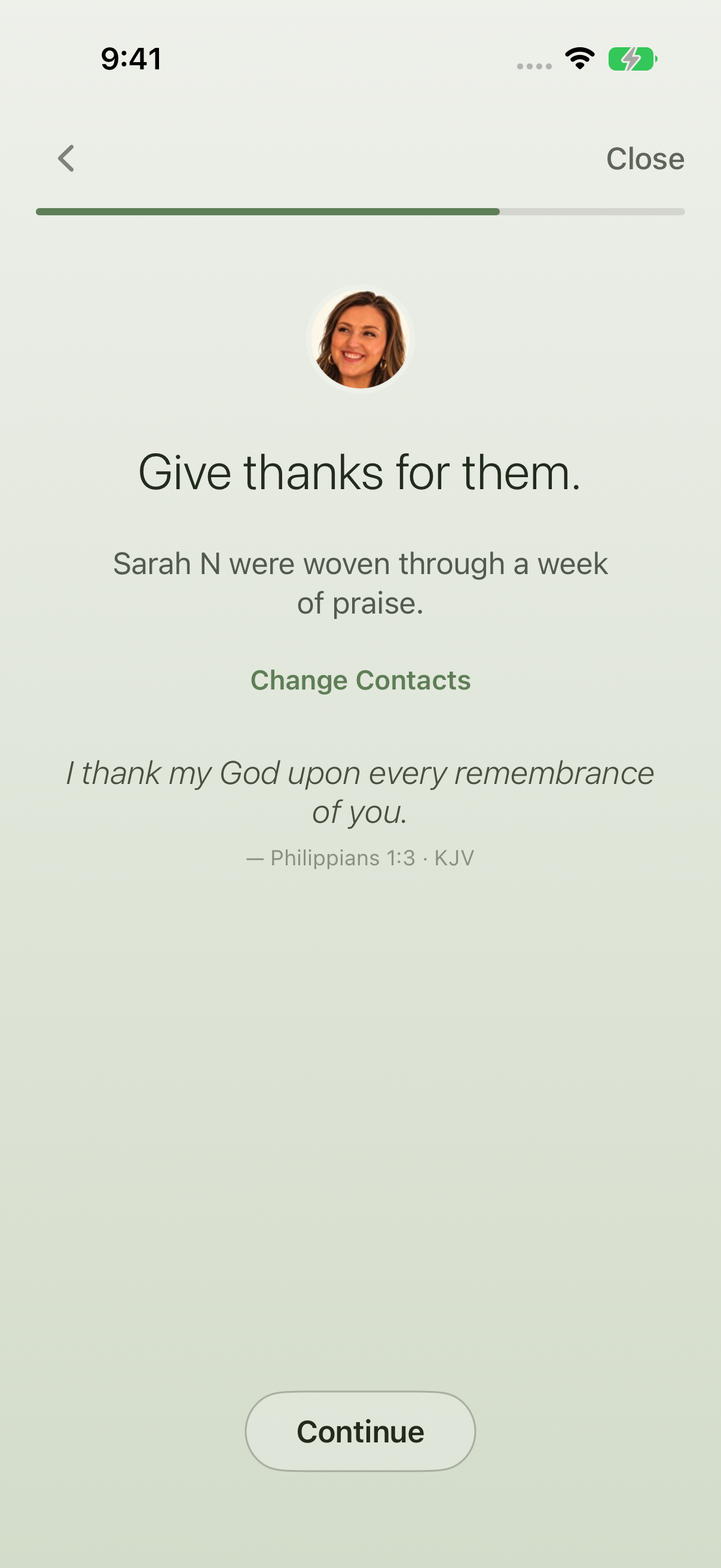
Remember the people in your week. Open and finish your report
At the closing blessing, choose See your reflection. Review the card and scroll through report details and kept memories. Choose Finish. The app confirms that your reflection is saved as a memory; choose Done to return Home. Later, scroll to Recent Memories and open A WEEK OF PRAISE in this example.
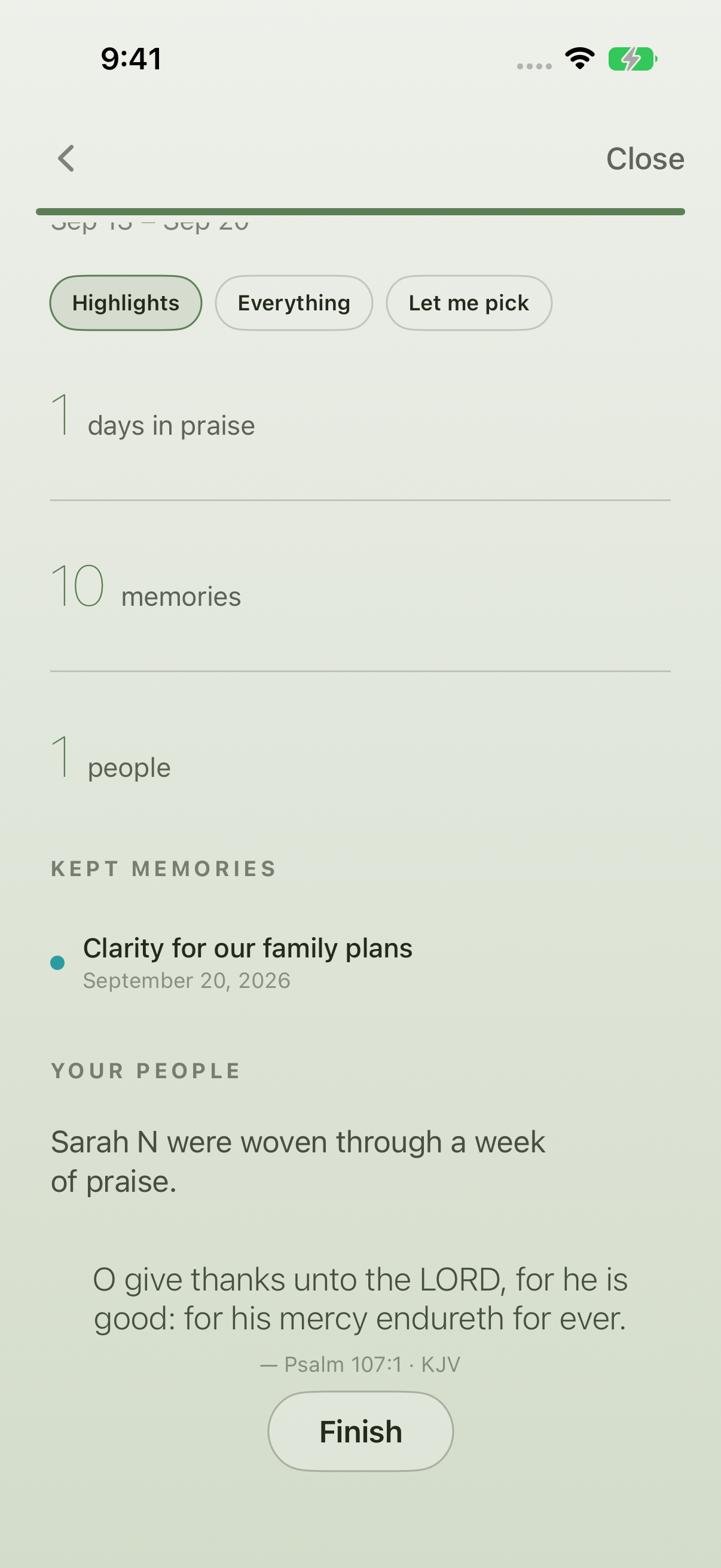
Review the report details and kept memories. 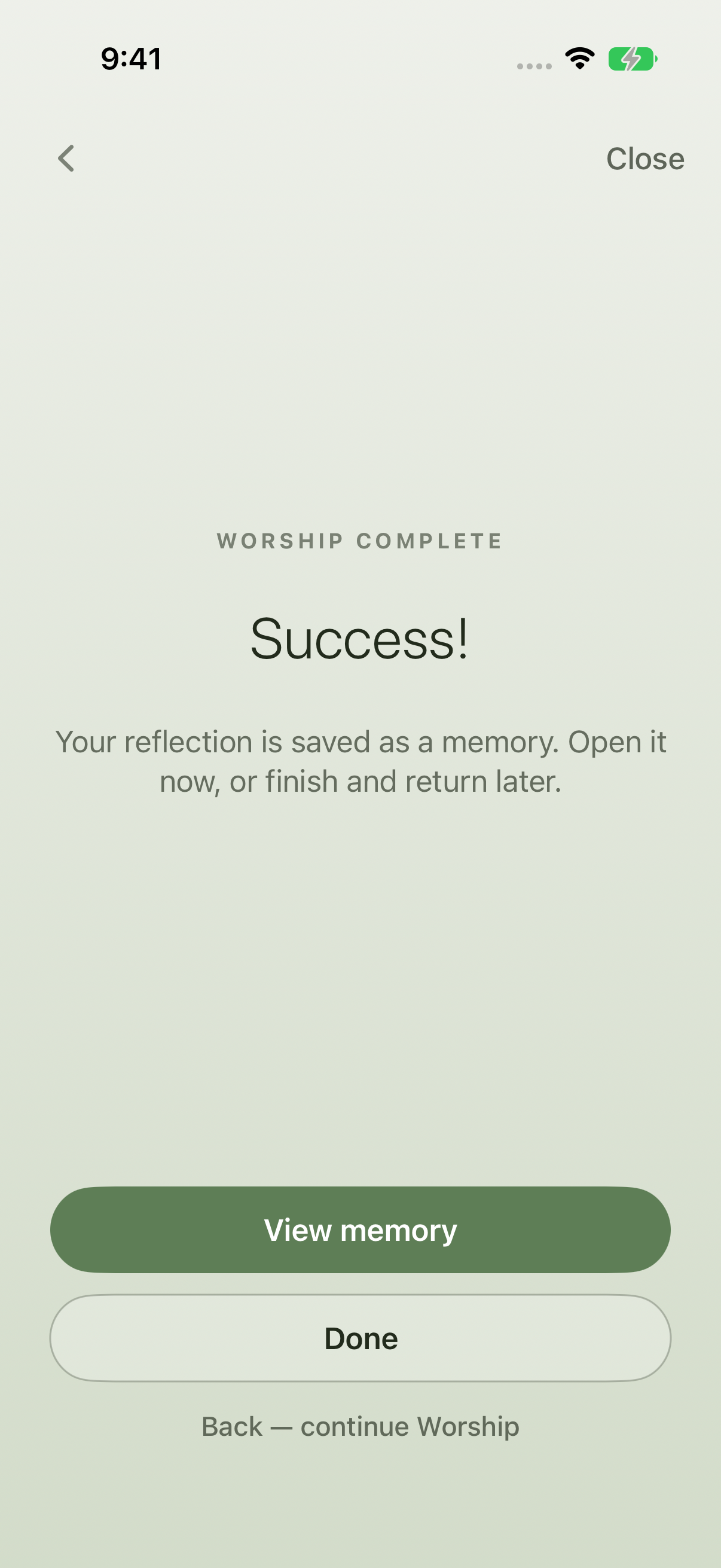
Finish saves the reflection as a memory.
Keep exploring
If something looks different
Checked against MyPraise App 1.1.0 · 2026-09-20
Before you begin
- For MyPraise App 1.1.0. Apple has approved this version; availability depends on the owner’s manual App Store release.
- Earlier MyPraise App 1.1.0 (34) recording. Screens may differ from the released app.
- A sample library with memories in the selected period and an associated person.
- Video and screenshots retain their original capture dates and build provenance; most existing walkthroughs were recorded with 1.1.0 (34). They are not new build 53 recordings.
The screen looks different.
Guide screens may come from different versions of MyPraise App. Always download the latest MyPraise App from the App Store.
If a control is still missing, open Settings → Support for help.
How do I open the report instead of just leaving the reflection?
At the closing blessing choose See your reflection, then review the card and details before choosing Finish. Amen is another way to leave this screen; the report route demonstrated here uses See your reflection. The clip includes a brief sample reminder banner. Reopening the saved memory was verified separately.