
Review privacy and iCloud settings
3 minFind the iCloud status, App Lock controls, and optional diagnostics disclosures before deciding what to enable.
Watch the steps
Connecting playback controls…
Read the on-screen captions
- Open Profile → Settings → iCloud Sync.
- Read the status. Sync is disabled in this simulator.
- Go back and scroll to Security.
- Review App Lock. No PIN is set in this demo.
- Diagnostics stays off. Open What we collect.
- Read the disclosures before choosing to share.
Step by step
Read the iCloud status
Open Profile → Settings → iCloud Sync. Read the status and storage information. This isolated simulator says Running in Simulator and keeps sync disabled; it does not show data moving between devices.
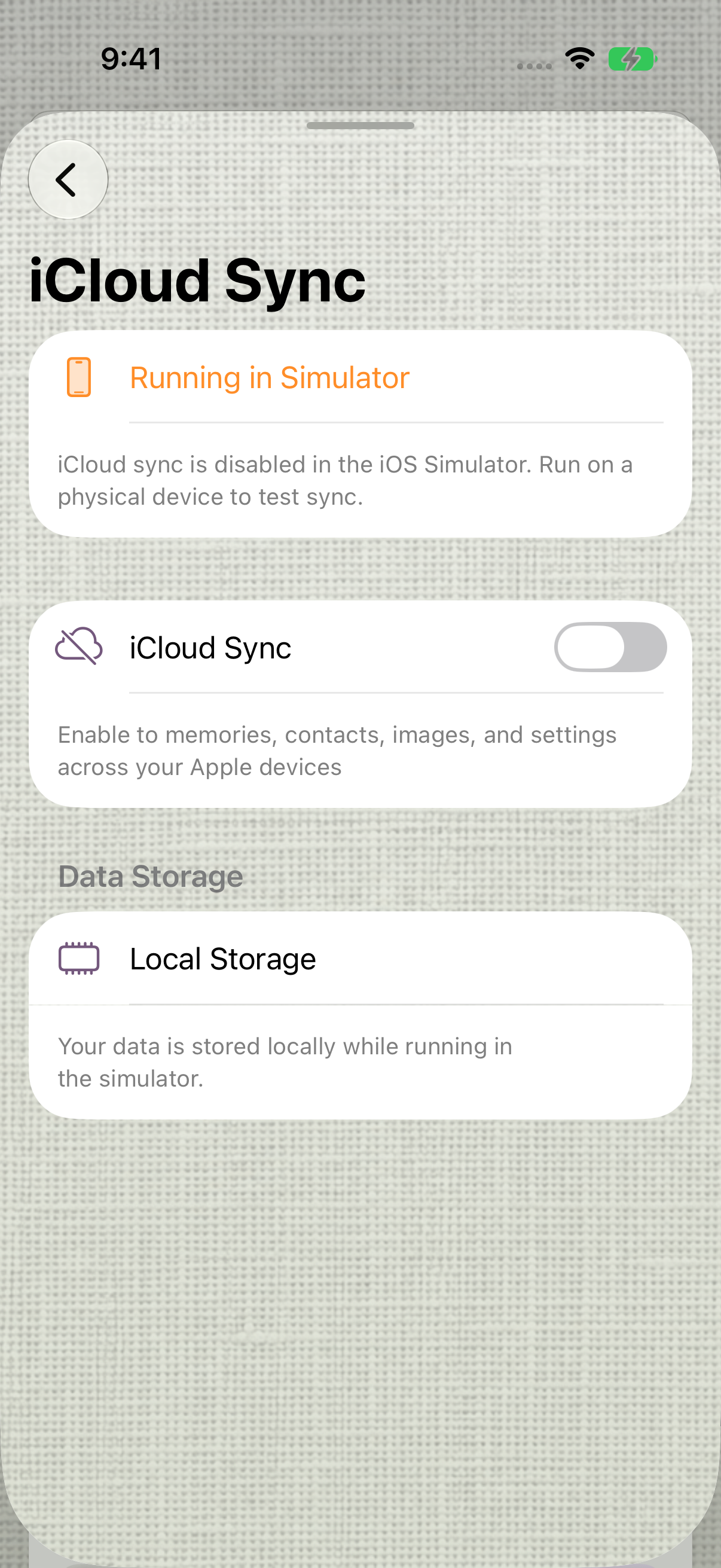
This simulator cannot demonstrate cross-device sync. earlier 1.1.0 recording. Find App Lock
Return to Settings and scroll to Security. Review App Lock and the 4-digit or 6-digit choices. The recording leaves App Lock off and creates no PIN; setup, recovery and biometric unlocking require separate verification.
Review the optional diagnostics setting
Scroll to Privacy & Diagnostics. Read the explanation under Share diagnostics to help improve MyPraise App. The recording leaves the switch off. You can read the disclosure without enabling sharing.
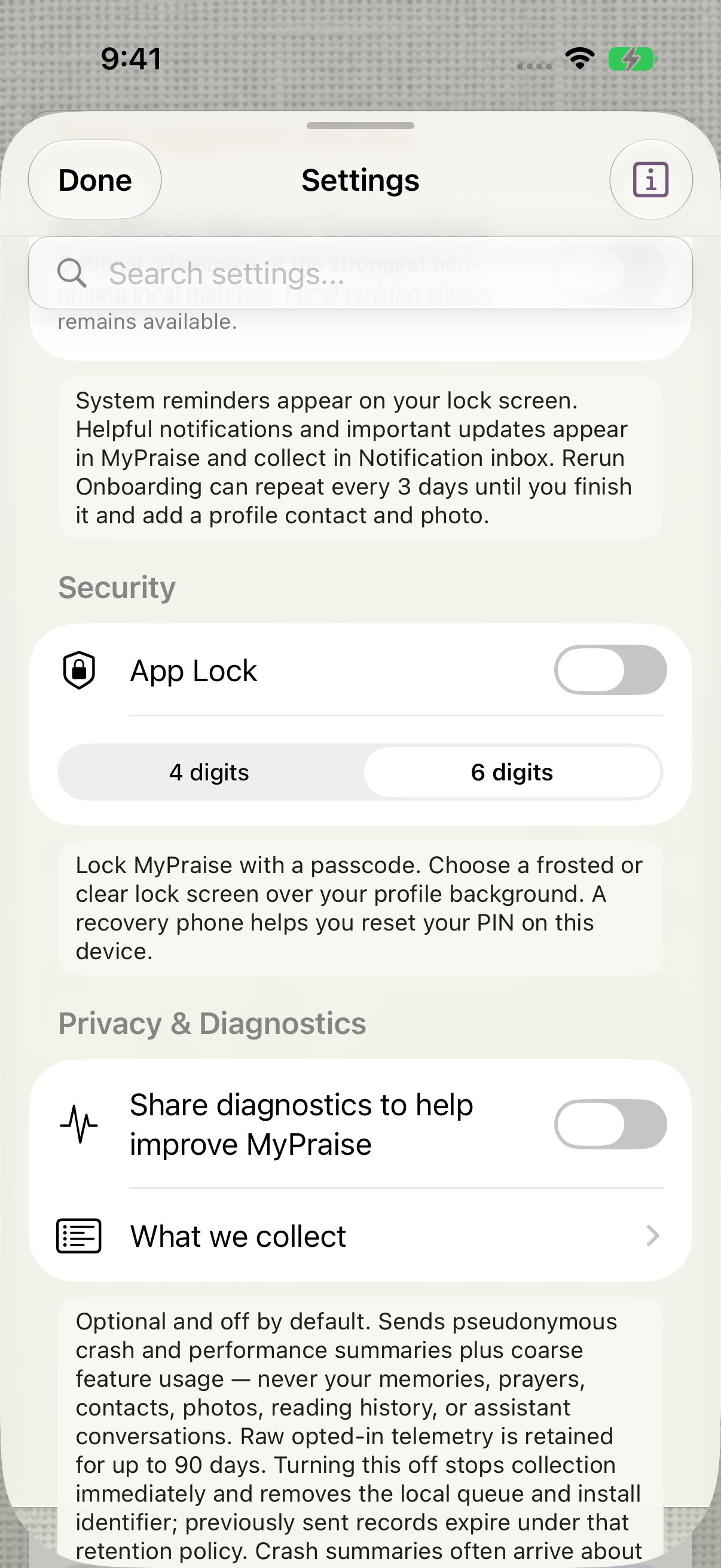
Review Security and Privacy & Diagnostics without changing either setting. Open What we collect
Choose What we collect and scroll through the disclosed crash, performance, feature-usage and subscription categories, plus Never collected. This lesson verifies the displayed disclosure, not a telemetry transmission or retention audit.
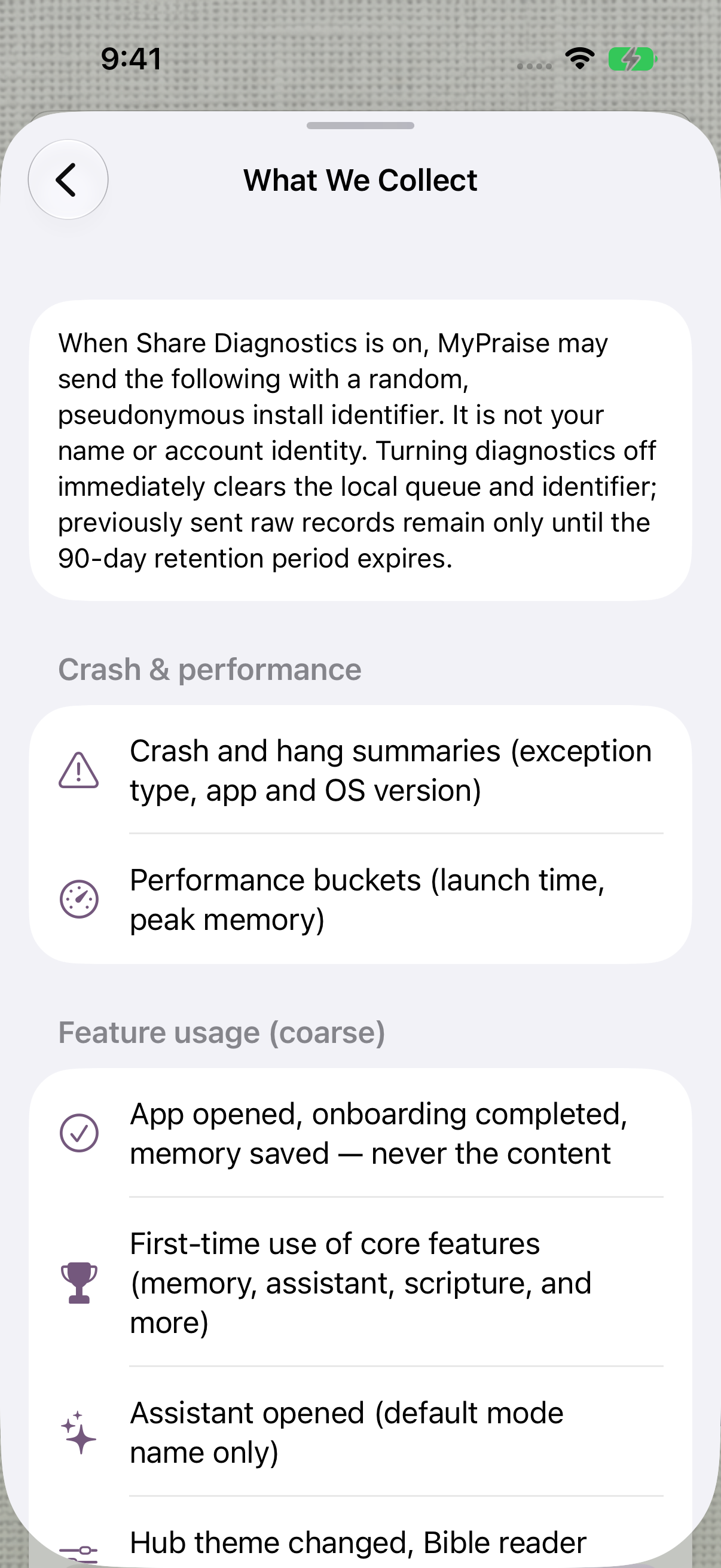
Read the app’s disclosure before deciding whether to share diagnostics.
Keep exploring
If something looks different
Checked against MyPraise App 1.1.0 · 2026-09-20
Before you begin
- For MyPraise App 1.1.0. Apple has approved this version; availability depends on the owner’s manual App Store release.
- Earlier MyPraise App 1.1.0 (34) recording. Screens may differ from the released app.
- This is a read-only walkthrough. Cross-device iCloud sync is explicitly unverified for this baseline. PIN setup and biometric unlocking are not demonstrated.
- Video and screenshots retain their original capture dates and build provenance; most existing walkthroughs were recorded with 1.1.0 (34). They are not new build 53 recordings.
The screen looks different.
Guide screens may come from different versions of MyPraise App. Always download the latest MyPraise App from the App Store.
If a control is still missing, open Settings → Support for help.
Why does the recording show iCloud sync disabled?
It was captured in an isolated simulator, where this build explicitly disables iCloud sync. Cross-device synchronization remains unverified for this baseline. This screen is not evidence of successful syncing on a physical device.