
Check your plan and find Restore purchases
3 minFind your current plan, reach the purchase-restoration controls, and understand the sign-in and cancellation shown in this preview.
Watch the steps
Connecting playback controls…
Read the on-screen captions
- Open Profile → Settings. Check your current plan.
- Open Support and search for restore.
- Dismiss the keyboard. Read the restore guidance.
- Choose Restore purchases.
- Apple may ask you to sign in. This demo cancels.
- Cancelled: nothing restored. Review the help options.
Step by step
Check your current plan
Open Profile → Settings. The Subscription row shows your current plan; this sample library shows Free. Manage Subscriptions and Pricing are separate options in the same section.
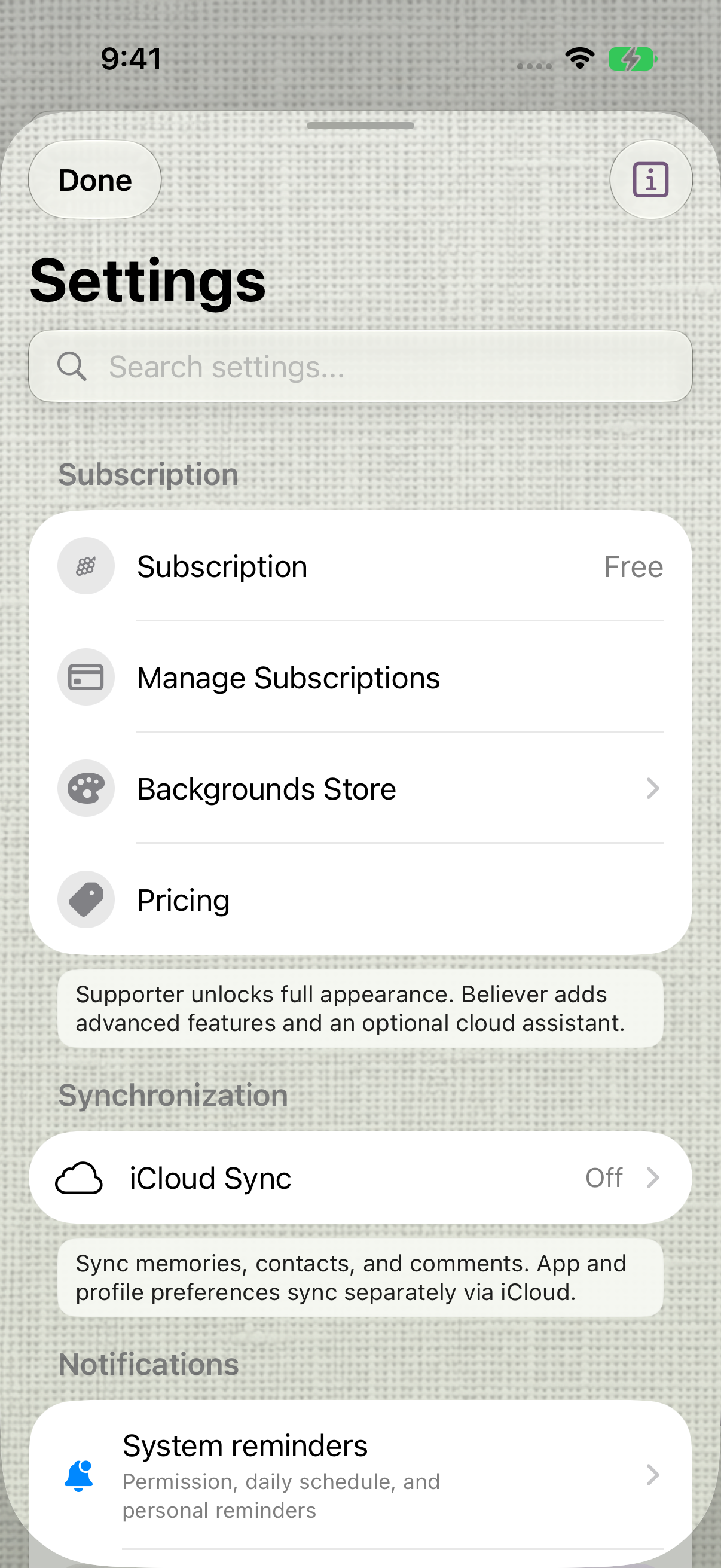
The Subscription row shows the current plan. earlier 1.1.0 recording. Find the restore controls
Open Support from Settings. Search for restore, then dismiss the keyboard to read Restore a purchase and its Restore purchases button. The guidance says to use the same Apple Account that made the purchase.
Review Apple’s sign-in request
Choose Restore purchases. Apple may ask you to sign in. The recording leaves both fields empty and selects Cancel; it does not demonstrate a successful paid restoration.
Read the result and use help if needed
After cancelling in this preview, MyPraise App reports that it could not restore purchases and offers Open troubleshooting and Copy support email. Cancelling is not a restored purchase. Successful paid restoration remains explicitly unverified for this baseline.
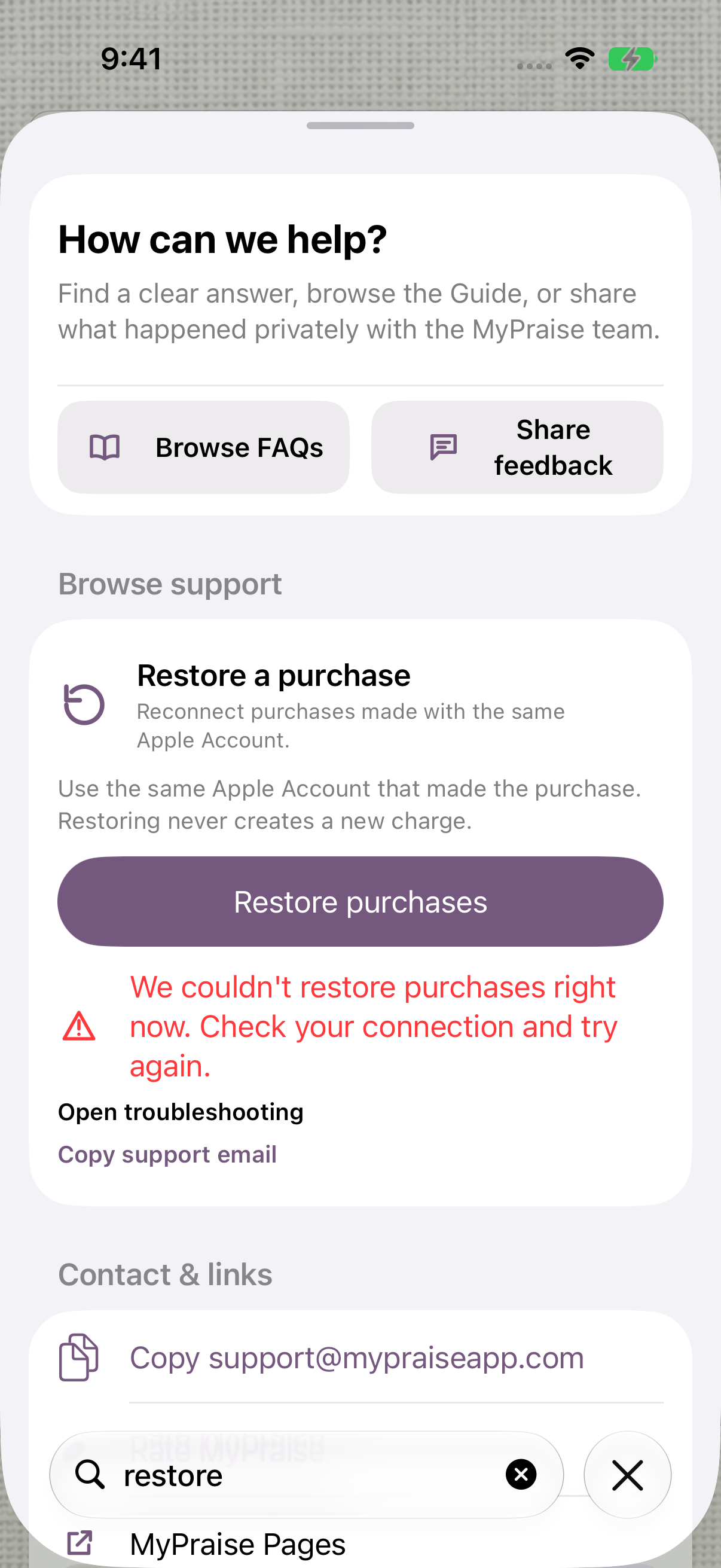
The recorded cancellation result: no purchase was restored.
Keep exploring
If something looks different
Checked against MyPraise App 1.1.0 · 2026-09-20
Before you begin
- For MyPraise App 1.1.0. Apple has approved this version; availability depends on the owner’s manual App Store release.
- Earlier MyPraise App 1.1.0 (34) recording. Screens may differ from the released app.
- To restore your own purchases, use the Apple Account that originally made them. This recording cancels sign-in; successful paid restoration is explicitly unverified for this baseline.
- Video and screenshots retain their original capture dates and build provenance; most existing walkthroughs were recorded with 1.1.0 (34). They are not new build 53 recordings.
The screen looks different.
Guide screens may come from different versions of MyPraise App. Always download the latest MyPraise App from the App Store.
If a control is still missing, open Settings → Support for help.
Does this clip prove that a paid purchase was restored?
No. Apple sign-in was cancelled with empty fields. The app then showed a failure message and help options. Successful paid restoration remains explicitly unverified for this baseline. Use the Apple Account that originally made your purchase; contact Support if restoration does not complete.