
Save your first praise
3 minKeep a moment of gratitude so you can return to it.
Watch the steps
Connecting playback controls…
Read the on-screen captions
- Tap + to start a new memory.
- Give your memory a meaningful title.
- Write what you are grateful for.
- Continue. Add people or details if you wish.
- Continue to save your praise.
- Open the saved memory and check your words.
Step by step
Open MyPraise App
Open MyPraise App and finish the welcome screens if needed. This walkthrough begins on Home after onboarding.
Start a memory
On Home, tap the plus button to open a new memory. This example saves a Praise with the Grateful mood.
Write your memory
Give it a meaningful title and write what happened. You can add more details later.
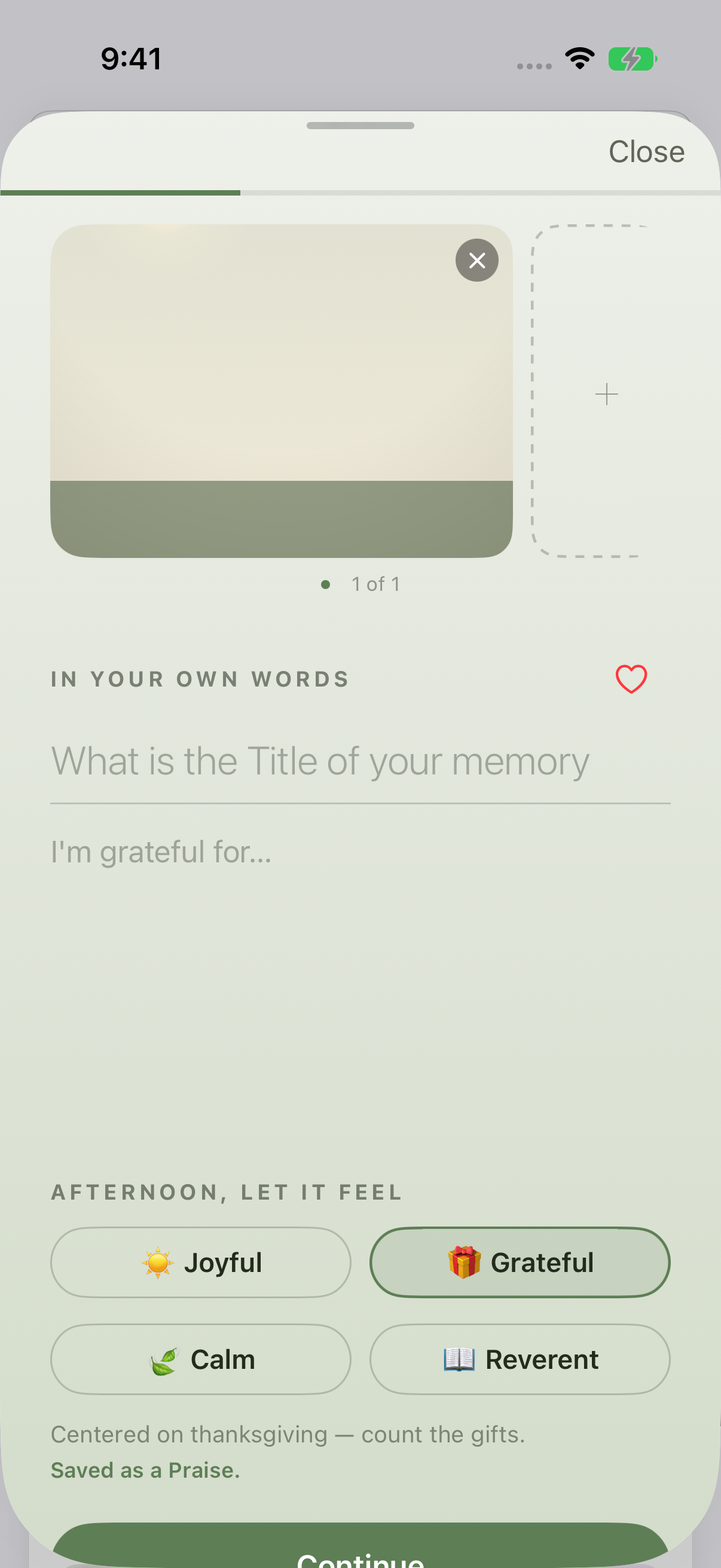
Light appearance: begin with a title and what you are grateful for. This example was captured in the afternoon. 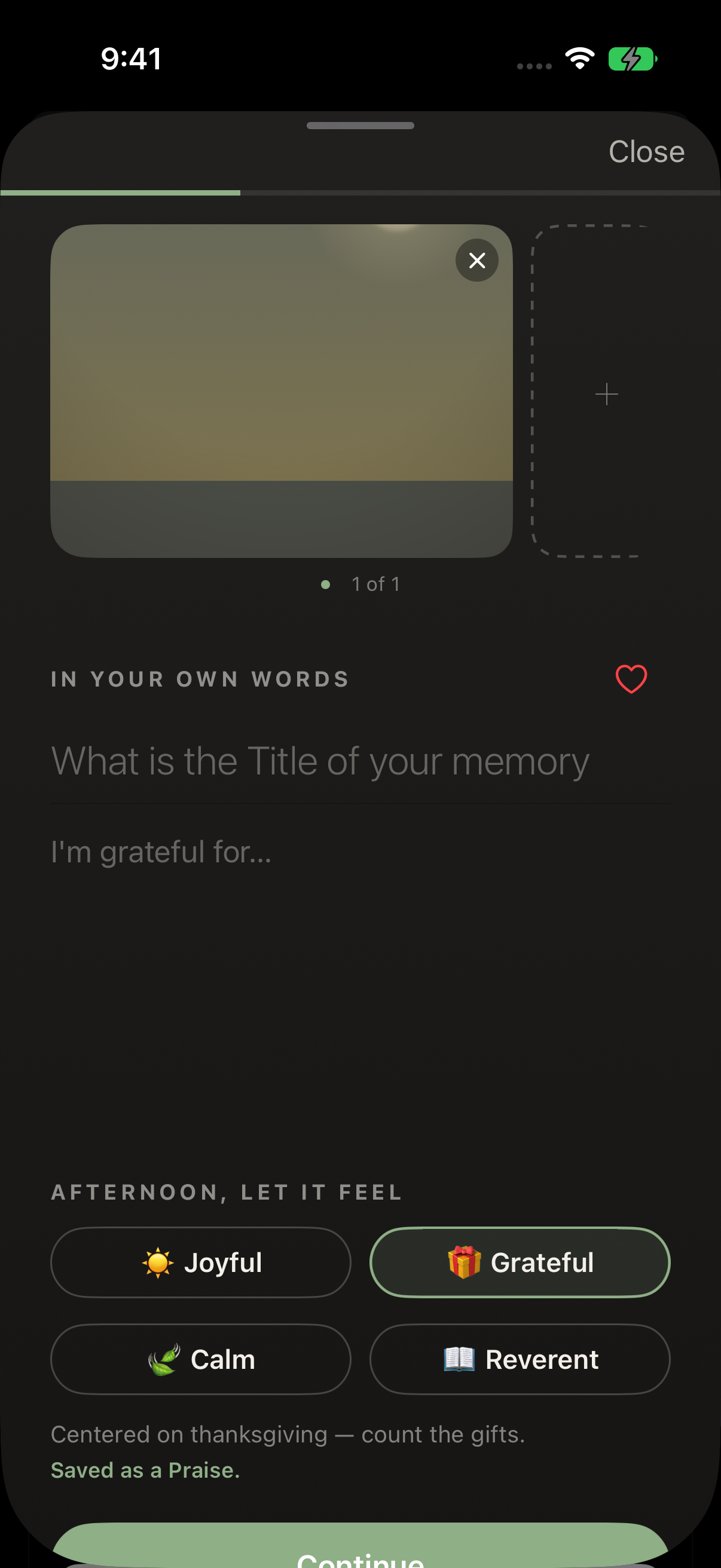
Dark appearance: the same entry controls and afternoon tone choices. Appearance and time of day are separate. Save and check
Tap Continue to review optional people and details. Tap Continue again to save. When Success appears, choose View memory and check your title and words.
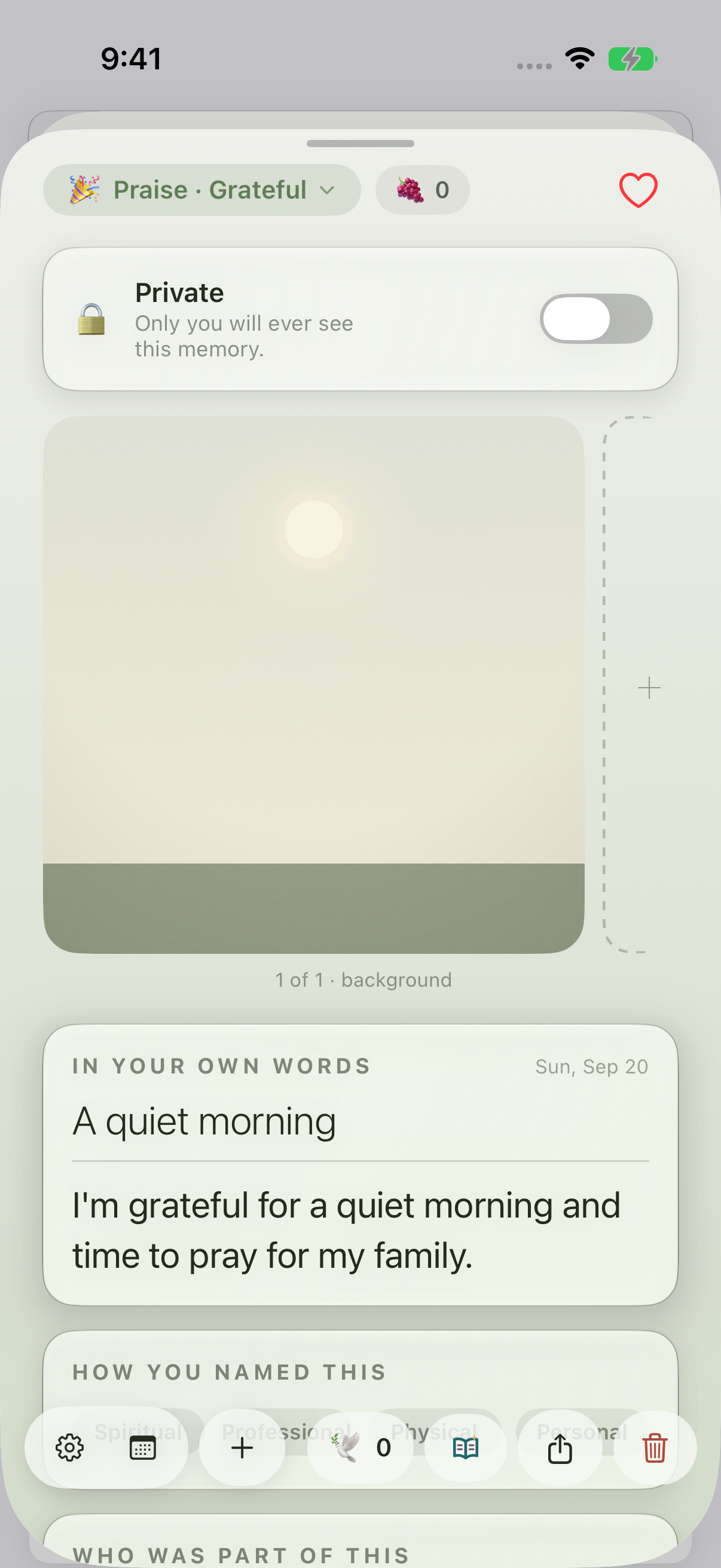
Earlier 1.1.0 recording: reopen the saved praise and check that your words appear.
Keep exploring
If something looks different
Checked against MyPraise App 1.1.0 · 2026-09-20
Before you begin
- For MyPraise App 1.1.0. Apple has approved this version; availability depends on the owner’s manual App Store release.
- Complete onboarding before starting this walkthrough.
- Video and screenshots retain their original capture dates and build provenance; most existing walkthroughs were recorded with 1.1.0 (34). They are not new build 53 recordings.
The screen looks different.
Guide screens may come from different versions of MyPraise App. Always download the latest MyPraise App from the App Store.
If a control is still missing, open Settings → Support for help.